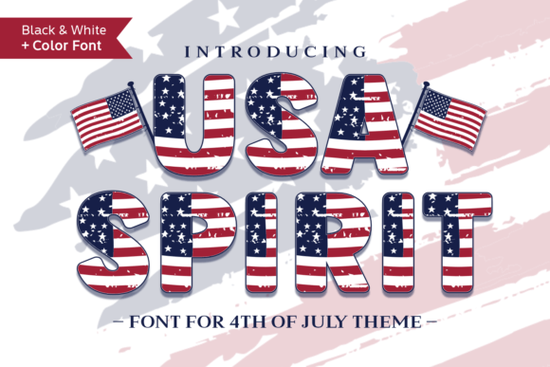
If you're looking for a bold, playful, and unmistakably American font for holiday crafts, merch designs, or social media graphics, the Usa Spirit Font fits right in. It’s not just another patriotic typeface it’s a color font where stars and stripes are built directly into each letter, so you get instant visual impact without layering effects or manual coloring. Designed with festive energy in mind, it works especially well for Fourth of July banners, Memorial Day posters, classroom decorations, or small-batch apparel prints.
What makes Usa Spirit Font different from regular patriotic fonts?
Most patriotic fonts rely on outlines, shadows, or separate graphic elements to suggest stars and stripes. Usa Spirit Font is an OpenType Color Font (OTF), meaning the red, white, and blue details including star patterns and stripe textures are embedded in the glyphs themselves. When you type “USA” or “FREEDOM”, the letters appear filled and decorated automatically. No extra steps. No clipping masks. Just type and go.
This kind of font behaves differently than standard fonts, so compatibility matters. It works smoothly in Adobe Photoshop, Illustrator, Silhouette Studio (v5.0+), and Inkscape but it’s not compatible with Cricut Design Space. If you’re used to uploading fonts to Cricut, this one won’t show up in your font list. For help getting it running in supported apps, Creative Fabrica’s Ultimate Font Guide walks through installation and usage with screenshots and troubleshooting tips.
Who benefits most from using this font?
Designers and print-on-demand sellers appreciate how quickly Usa Spirit Font helps them create themed collections think Independence Day mugs, patriotic tote bags, or vintage-style t-shirt graphics. Because the design is baked into the type, scaling stays crisp at any size, and there’s no risk of misaligned overlays or missing layers when handing off files to printers.
Crafters and educators find it handy for classroom bulletin boards, summer camp signs, or DIY party decor. You don’t need advanced design skills open Illustrator or Photoshop, select the font, and start typing. The playful, blocky shape also reads clearly even at smaller sizes, which helps with labels or folded cards.
Small business owners building seasonal product lines often reuse core assets across platforms. With Usa Spirit Font, one file serves web graphics, printable PDFs, and SVG exports (when saved correctly from Illustrator or Inkscape). That saves time when updating shop banners or Instagram story templates ahead of holidays.
How do I use it in my workflow?
Here’s what to expect after downloading:
- Install the OTF file like any other font double-click and choose “Install” (Windows) or “Install Font” (macOS).
- In Photoshop or Illustrator, make sure you’re using the Type Tool, not the Shape Tool, and select “Usa Spirit” from your font menu.
- Type your text colors and patterns appear instantly. Adjust size, spacing, or alignment as usual.
- To edit individual colors (e.g., change stripe red to navy), you’ll need to convert the text to outlines first but that removes the color font functionality. So only do that if you need full vector control and don’t mind losing the built-in styling.
For crafters using Silhouette Studio, remember to use the “Print & Cut” or “Send to Silhouette” options not “Cut” since the color data won’t translate to cut lines. In Inkscape, enable “Use system fonts” in Preferences > System > Fonts to ensure proper rendering.
Where else can I find similar fonts?
If you like the bold, thematic approach of Usa Spirit Font, you might also explore other decorative fonts with built-in texture or theme-specific styling like vintage Americana script fonts or hand-drawn flag motifs. Just keep an eye on file type (OTF vs. TTF) and software compatibility before purchasing.
One quick note: while this font shines for short headlines and slogans, it’s not ideal for long paragraphs. Its decorative nature makes it harder to read in body copy, so pair it with a clean sans-serif (like Montserrat or Open Sans) for balance.
Before you download: Double-check your design software version older versions of Illustrator or Photoshop may not support OpenType Color Fonts. And if you primarily use Cricut, consider browsing Creative Fabrica’s collection of Cricut-compatible patriotic fonts instead.
Get Started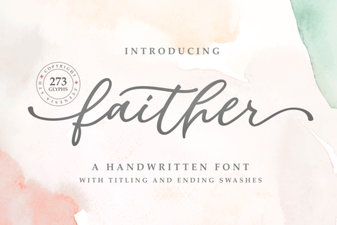 Faither: a Versatile Font for Creative Projects
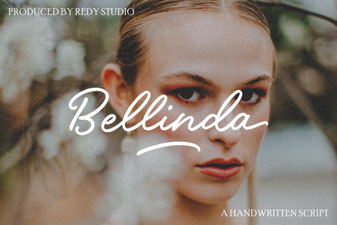 Bellinda: Elegant Modern Calligraphy for Digital Projects
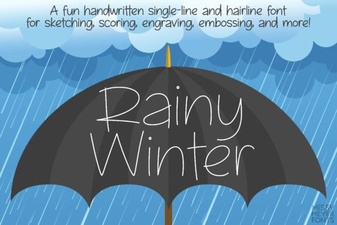 Rainy Winter Font Ideas for Craft Projects
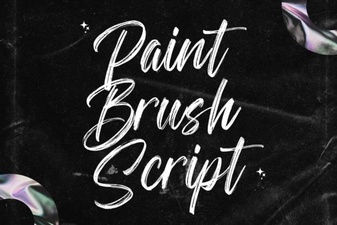 Hand Lettering Projects Using Brush Fonts
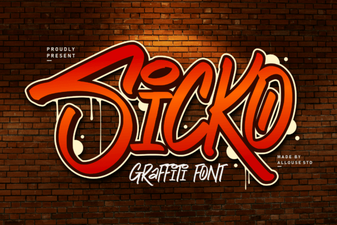 Sicko Font: Creative Design & Download Guide
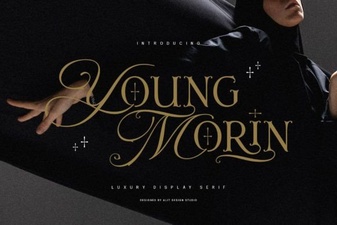 Young Morin Font: a Modern Display Typeface