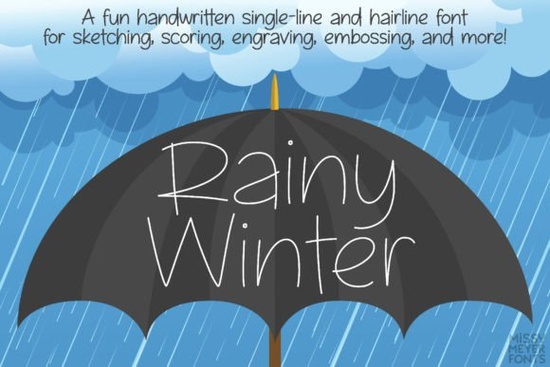
If you're looking for a friendly, hand-drawn single-line font that works beautifully with sketch pens, foil quills, or engraving tools, the Rainy Winter (single Line) Font is worth your attention. Designed from scratch not adapted from an existing solid font it captures the relaxed charm of rainy-day handwriting without sacrificing versatility. Whether you're making custom greeting cards, small-batch enamel pins, or layered vinyl decals, this font gives your projects a warm, approachable feel.
What makes Rainy Winter different from other script fonts?
Most script fonts are outlines filled shapes meant for printing or cutting. Rainy Winter is built specifically for drawing tools: it’s made of continuous, hair-thin strokes that mimic how a pen moves across paper. That means it plays well with devices like Cricut’s Draw tool, Silhouette’s sketch pen, Glowforge’s scoring function, or even manual engraving setups. You won’t get jagged edges or unexpected fills just clean, intentional lines.
It includes over 900 glyphs, covering far more than basic Latin letters. You’ll find extended Latin characters (great for Spanish, French, German, and more), full Greek and Cyrillic support, 18 fractions, and 40 double-letter ligatures like “th”, “ck”, or “st” that help your text look naturally handwritten. There are also alternate lowercase a and g options so you can mix single- and double-storey versions for subtle visual variety.
Which version should you use: “One” or “Two”?
This font comes in two practical formats designed to match how different software handles vector paths:
- Rainy Winter One: A true single-stroke font ideal if you’re using Rhino, CAD programs, or need precise control over start/end points. In Illustrator or Inkscape, you can manually break the closed loop if needed.
- Rainy Winter Two: A hairline outline font so thin the stroke width is nearly invisible. It behaves like a standard font in most design apps: type normally in Silhouette Studio, Cricut Design Space, Affinity Designer, CorelDRAW, or Inkscape, and it just works.
Not sure which one suits your workflow? The download includes a helpful PDF guide explaining how each version behaves in popular programs and when to choose one over the other.
Who is this font really for?
It’s especially useful for crafters who rely on drawing-based tools rather than cutters. Think: foil-pressed stationery, engraved wooden tags, hand-lettered SVG mockups for print-on-demand, or even digital illustrations where you want authentic pen texture. Small businesses making seasonal products like holiday mugs, rain-themed stickers, or cozy winter apparel will appreciate how effortlessly Rainy Winter (single Line) Font fits into those themes.
It’s not meant for Word docs or standard printing but if you’ve ever tried to convert a regular script font to a sketch-friendly version and ended up with broken paths or uneven spacing, you’ll notice the difference right away. Compare it to the relaxed flow of Paint Brush Script, the polished elegance of Bellinda Modern Calligraphy, or the casual energy of Ballpoint Writing each has its place, but Rainy Winter fills a specific niche: gentle, weather-inspired handwriting that draws smoothly, every time.
You’ll also find it pairs nicely with bolder display fonts like Love Islan for contrast, or soft companions like Hello Honey for cohesive seasonal collections.
A few things to keep in mind before downloading
Because it’s designed for drawing not cutting or typesetting it won’t work as expected in word processors or Brother Canvas Workspace (due to known compatibility issues). Also, while it’s highly flexible in vector editors, you’ll want to avoid scaling it too small under ~12 pt may cause strokes to vanish depending on your output method.
And remember: since it’s a single-line font, you can add a stroke in Illustrator or Inkscape and expand it to create a filled version but that’s optional. Most users stick with the original line weight for authenticity.
Before you install:
- Check your software’s documentation to confirm it supports single-line or hairline fonts.
- Try typing a short phrase first test both “One” and “Two” versions if you’re unsure.
- Open the included PDF guide it walks through common fixes (like removing auto-closed paths) and program-specific tips.
- Save a backup copy of the .zip file you’ll likely revisit it for future projects.
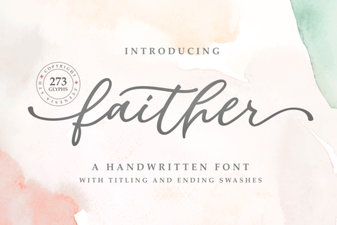 Faither: a Versatile Font for Creative Projects
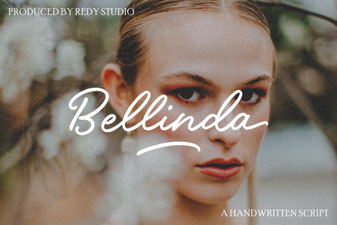 Bellinda: Elegant Modern Calligraphy for Digital Projects
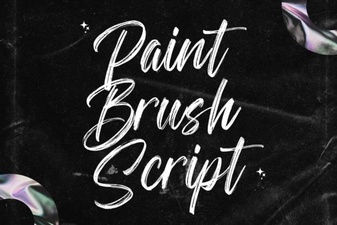 Hand Lettering Projects Using Brush Fonts
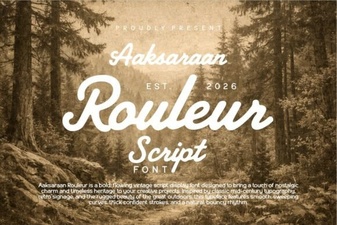 Aaksaraan Rouleur: a Typeface for Modern Design Projects
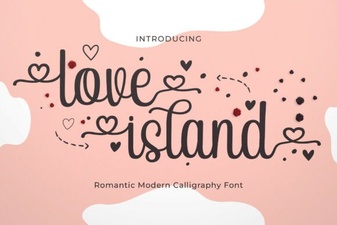 Love Island Font: Design Ideas & Creative Uses
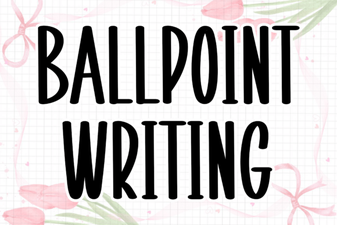 Write with Style: Ballpoint Font Inspiration